


Enterprise Feature – Customize Currency Payment Methods and Languages in Multi Domains Store
Imagine running a business where you aim to sell products to various countries, each with unique languages, currencies, and regulations. At first glance, setting up distinct shops or separate inventories might seem like the only option. However, that approach can lead to extra complexity in managing multiple teams, accounting structures, and logistical processes.
Today, I want to share a feature that helps you streamline your operations using one shop while still providing localized experiences for each market. I’ll explain the challenges, offer a practical solution, and highlight how Selldone can help you achieve this without sacrificing efficiency or compliance.
Two Approaches for Multi Country Selling
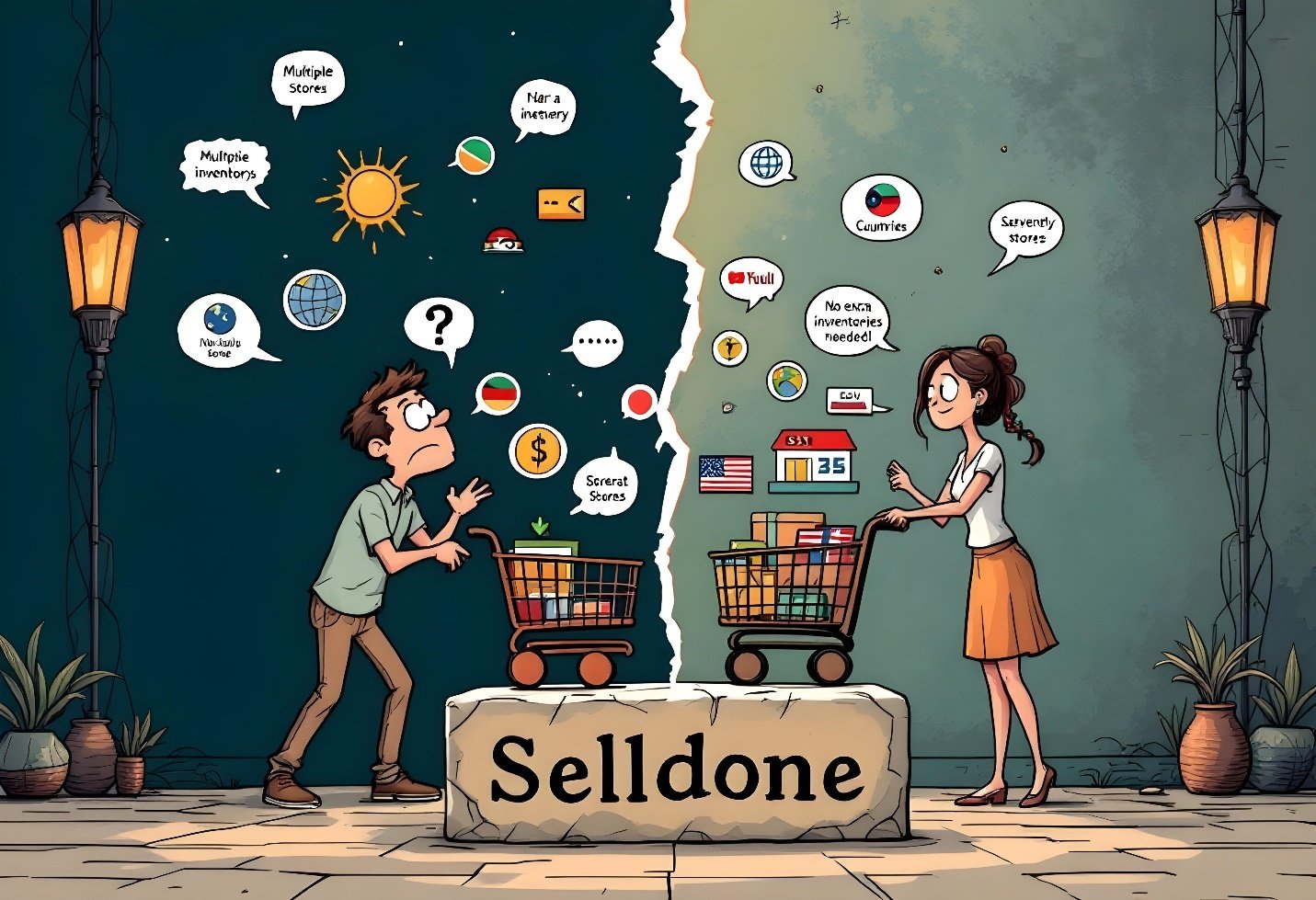
When you plan to sell internationally, there are two major approaches:
1. Separate Shops per Country
- Pros: Independent inventory, specialized teams, and separate resource management.
- Cons: Repetitive work on inventory tracking, more overhead for accounting, and additional complexity for your management team.
2. One Shop with Multiple Languages and Currencies
- Pros: Unified inventory, single accounting system, and simplified access control.
- Cons: Some countries or payment providers may restrict displaying prices in multiple currencies.
Selldone supports both methods, so you can decide which model works best for your business structure. However, there’s also a handy Enterprise Feature that combines the benefits of having a single store with the flexibility to adapt to each country’s rules.
The Challenge
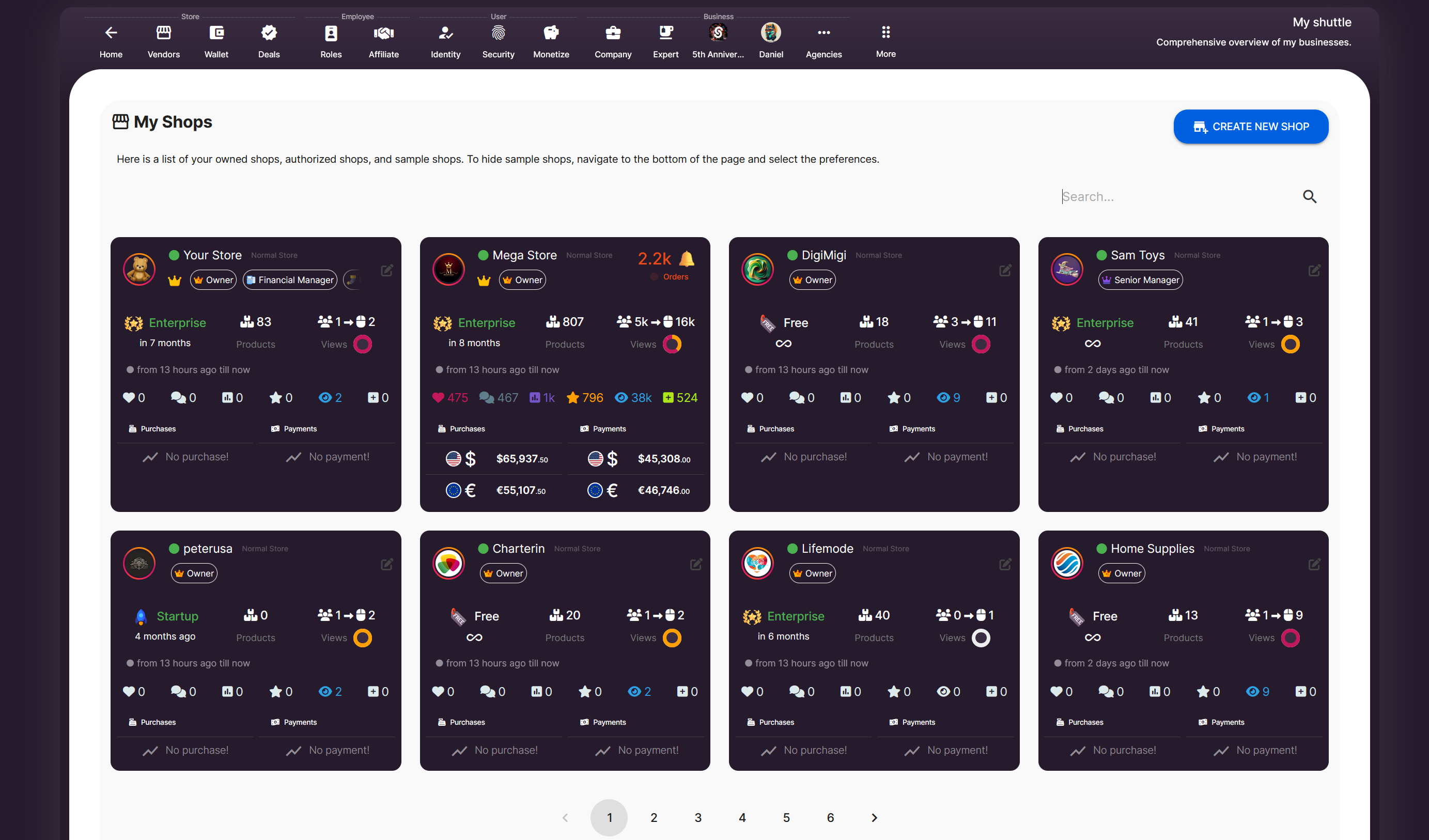
Some regions do not permit displaying or selling items in multiple currencies, and certain payment providers might block you if you offer additional currency options. If you’re thinking, “I guess I’ll need separate shops for each market,” I have good news: You don’t need to create separate stores.
The Solution – Enterprise Tools for Multi Domains
Selldone enterprise-grade domain management feature lets you configure multiple domains for the same store. You can:
- Assign each domain to a specific region or language.
- Limit which currencies and payment gateways are visible based on the domain.
- Create landing pages unique to each domain.
This approach allows you to maintain a single inventory and accounting system while still providing local experiences.
Setting Up Multiple Domains
Here’s a step-by-step outline of what you can do:
1. Register
Additional Domains
myselldone.de (Germany) , myselldone.dk (Denmark)
Or use subdomains: de.myselldone.com dk.myselldone.com
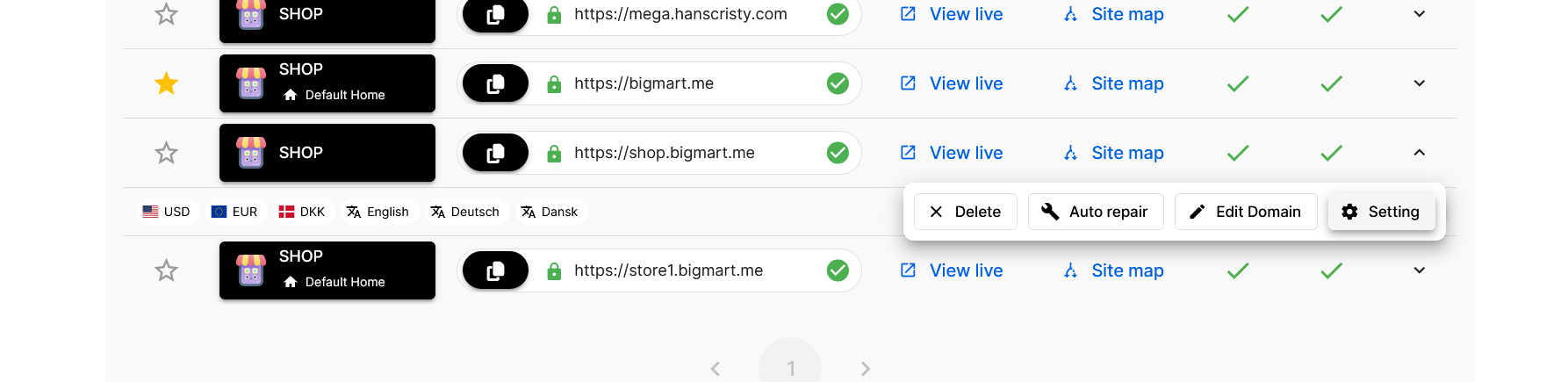
2. Add Domains in Shop Dashboard
Go to Settings > Select Domain > Click Add New Domain and point each domain or subdomain to your store.
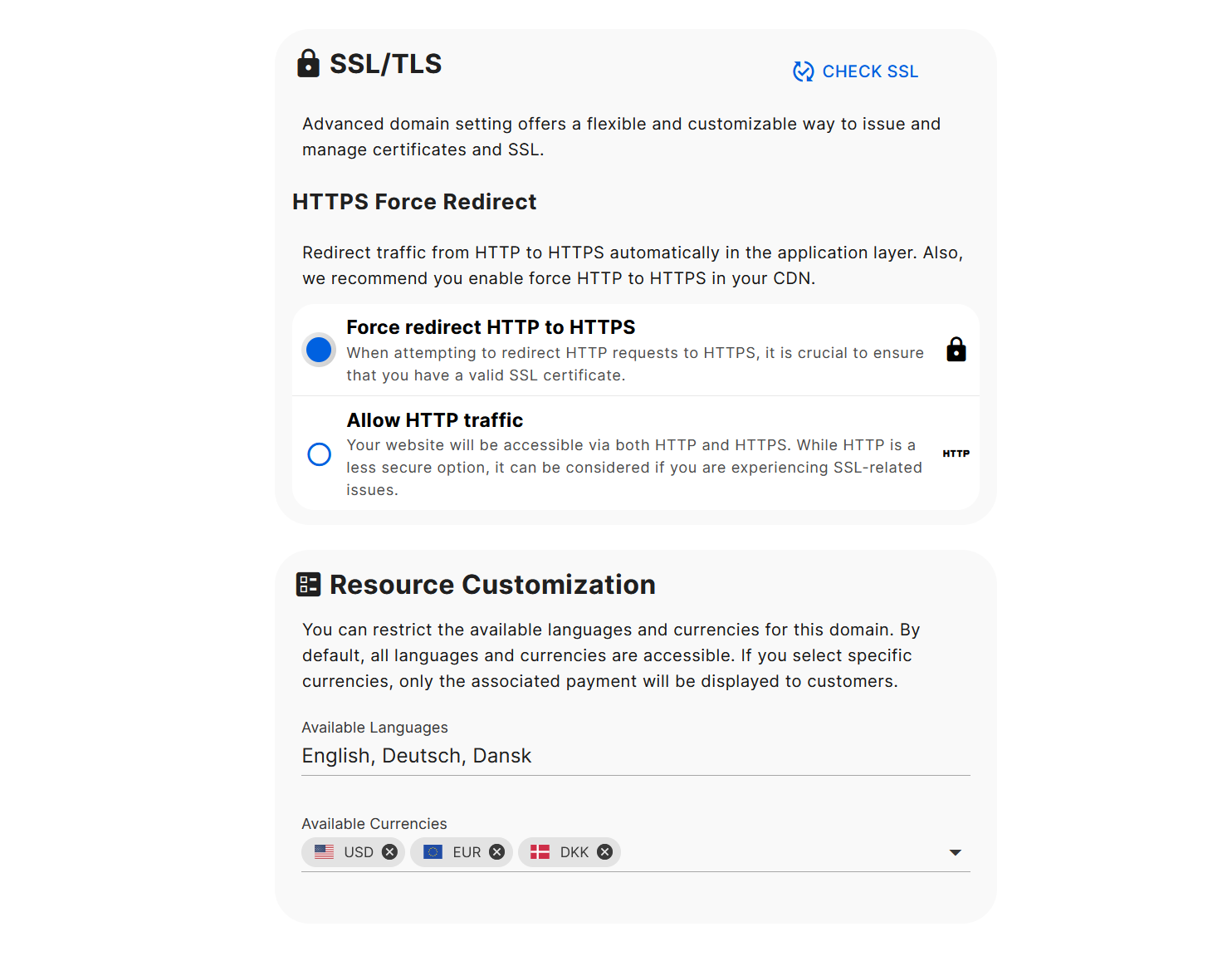
3. Assign Currencies and Languages
- For each domain, define which currencies and languages are allowed.
- If a domain is set to only show Euro (EUR) as currency, then only gateways that support EUR will appear at checkout.
4. Customize Landing Pages
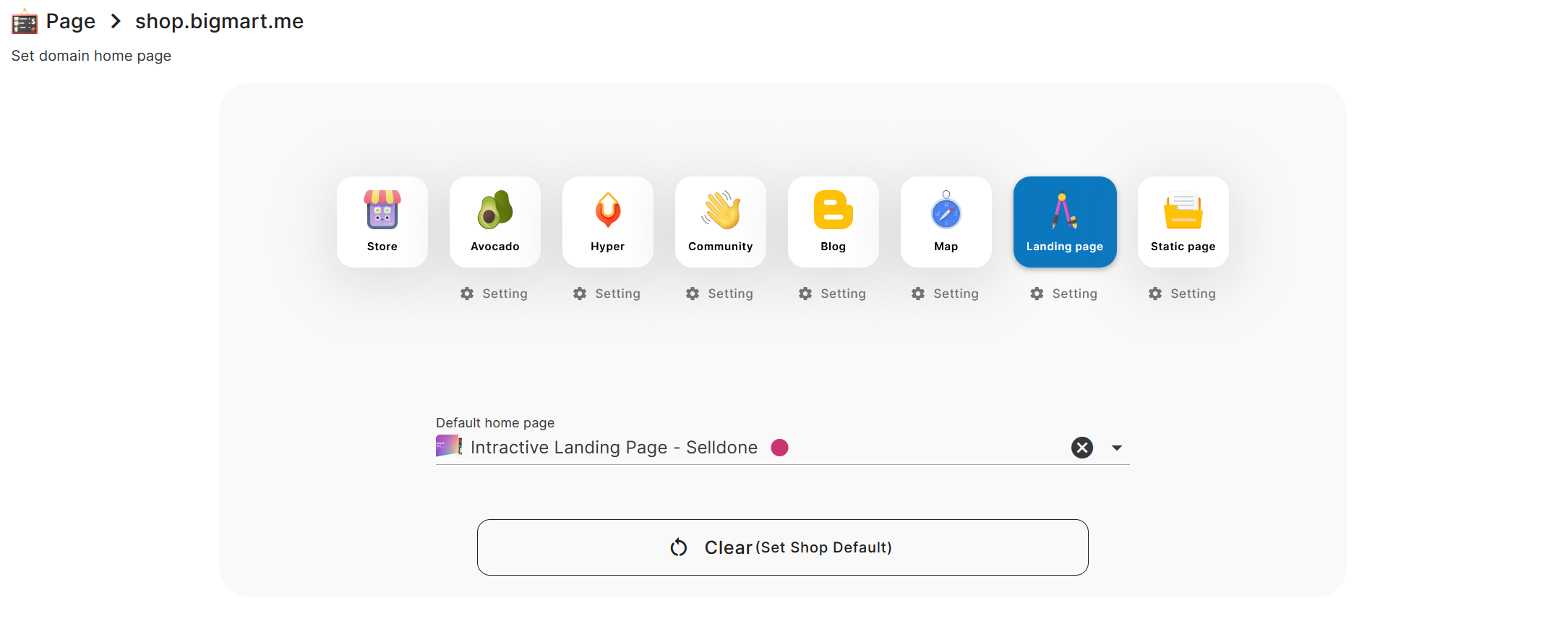
- Build country-specific or language-specific landing pages.
- Assign them to each domain, so your German visitors land on a page tailored to Germany, while Danish visitors see content suitable for Denmark.
|
Approach |
Separate Shops |
Single Shop Multi-Domain |
|
Inventory |
Multiple inventories |
One unified inventory |
|
Teams |
Separate management needed |
Centralized team access |
|
Domain Setup |
Each domain links to a shop |
Multiple domains point to one shop |
|
Currencies & Payment |
Specific to each store |
Limited for each domain as needed, unified billing |
|
Complexity |
Higher |
Lower |
Benefits of Multi Domains in One Store
- Unified Inventory: Keep track of all products in a single system.
- Simple Accounting: Handle financial transactions in one dashboard.
- Local Compliance: Adhere to region-specific restrictions (like currency requirements) without forcing a new shop setup.
- Easier Team Management: No need to create additional user roles across multiple shops.
Enjoy Selling Across Borders Without Juggling Extra Shops!
With Selldone enterprise tools, you can limit currencies, languages, and payment gateways for each domain without the headache of running multiple shops. This approach helps you remain compliant with local regulations, tailor each user’s experience, and keep your back-end workflows efficient. All while offering country-specific landing pages and brand experiences.
If you want to expand globally in an organized way, multi-domain management in a single store could be your best friend. Give it a try and see how it transforms your international operations.
 Add Comment
Make Your Business Online By The Best No—Code & No—Plugin Solution In The Market.
30 Day Money-Back Guarantee
Create Your E-commerce Store Start now — it's freeSay goodbye to your low online sales rate!
FAQ
Can I use subdomains instead of full domains for different countries?
Yes, Selldone supports both subdomains and full domains. For example, you can use de.myselldone.com for Germany and dk.myselldone.com for Denmark. Subdomains can help you manage regional differences without purchasing separate domain names.
What happens if I do not set specific currencies or languages for a domain?
If you don’t limit the currencies or languages for a domain, all the supported currencies and languages in your shop will be available by default. This is useful for debugging or when you want to allow full access temporarily.
Can I assign different landing pages for each domain or subdomain?
Absolutely. Selldone lets you create custom landing pages for each domain or subdomain. You can assign these pages to specific domains to provide localized content and experiences tailored to your audience.
How does Selldone handle payment gateways for specific currencies?
When you set a specific currency for a domain, Selldone automatically filters the payment gateways to display only those that support the selected currency. For example, if your domain only allows EUR, customers will only see gateways compatible with EUR.
Do I need to manage separate inventories for different domains?
No, you don’t need to manage separate inventories. All your domains share the same inventory, which is updated in real-time. This ensures seamless management and prevents overstocking or understocking across regions.