

How To Create Solana Wallet and Get Official SLDN Coins with Simple Steps
Are you eager to explore the opportunity to be part of Selldone? I have a straightforward guide to help you start from zero—create your very own Solana wallet, then get free SLDN tokens in minutes. Plus, you can read about how Selldone fits right into this process, empowering you to streamline your business management and online storefront using the latest crypto advancements.
Step 0 | Why Control Your Crypto Assets
One of the biggest lessons in crypto is understanding the importance of controlling your own assets. Self-custody simply means you own your private keys, so no third party can freeze or seize your funds. This level of control is crucial for:
- Security: You have full responsibility for safeguarding your assets.
- Privacy: There’s no need to rely on centralized exchanges or middlemen.
- Flexibility: You can interact with various decentralized applications and quickly adapt to new trends.
Step 1 | Create a Solana Wallet
A Solana wallet holds your private keys and allows you to store, send, and receive SOL and Solana-based tokens (like SLDN). Below are a couple of popular ways to create your wallet:
Software Wallet
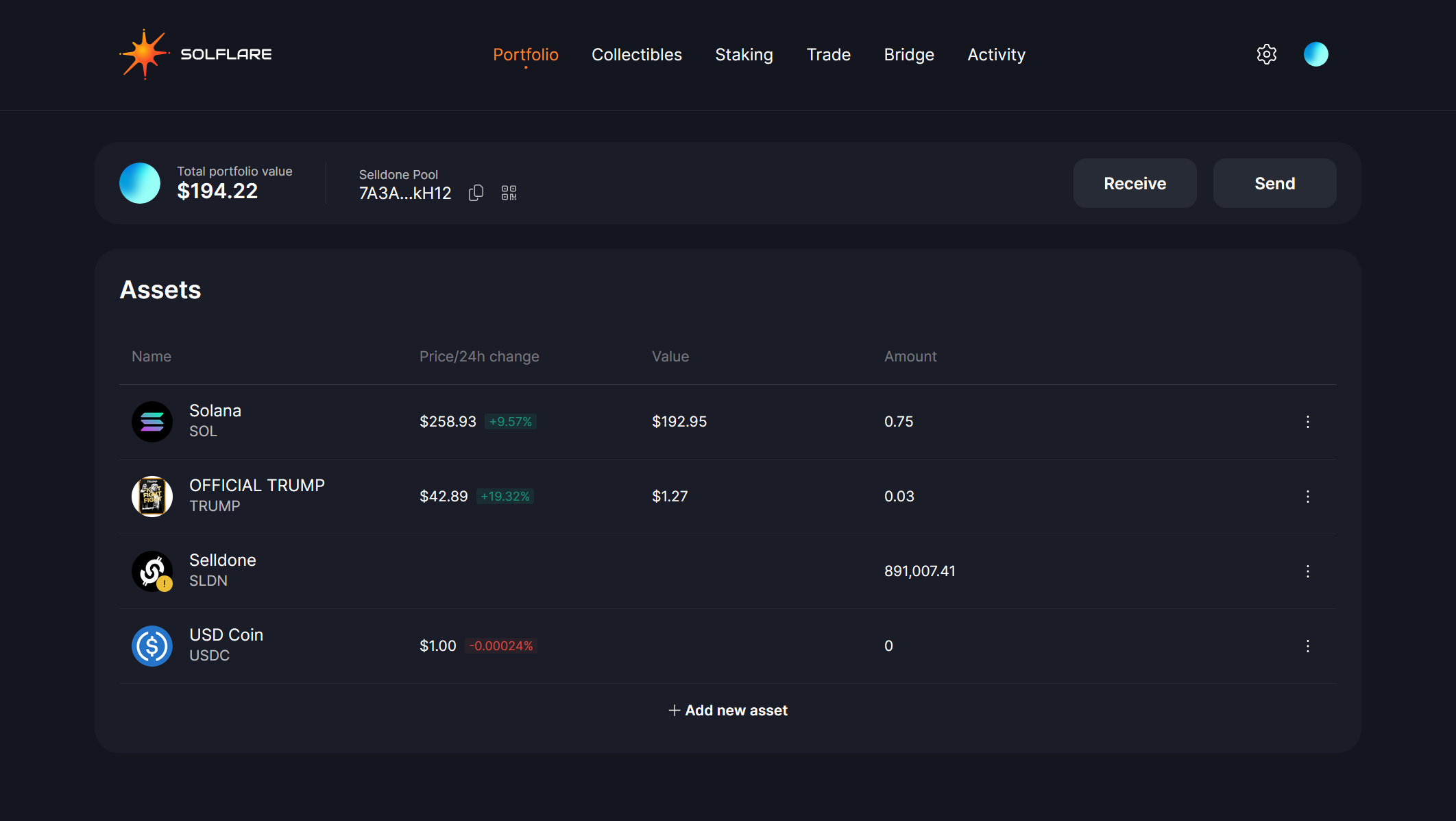
The simplest approach is to create a free Solana software wallet, such as the well-known Solflare. This can be done using a browser extension or mobile app. Here’s how I usually set it up:
- Download a Trusted Wallet Extension: Look for a reputable Solana wallet in your browser’s add-ons store.
- Sign Up and Create a New Wallet: You’ll be provided with a set of recovery words (known as a seed phrase). Write these words down on paper and keep them in a safe place. Do not save them digitally to reduce the risk of hacking.
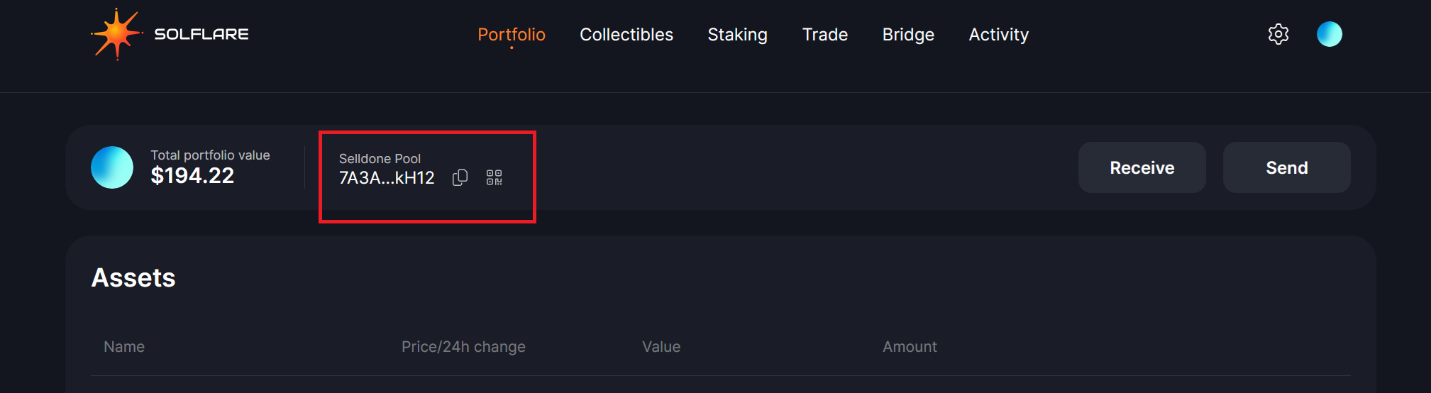
- Save Your Public Address: After creating the wallet, you’ll see a public address. This address is what you will share to receive funds (like SLDN). Copy it because you’ll need it soon.
Pro Tip
Consider using the browser extension version for quick access when transacting on Selldone or other crypto-friendly platforms.
Download Firefox Solflare Wallet, Download Chrome Solflare Wallet
Hardware Wallet (Advanced Option)
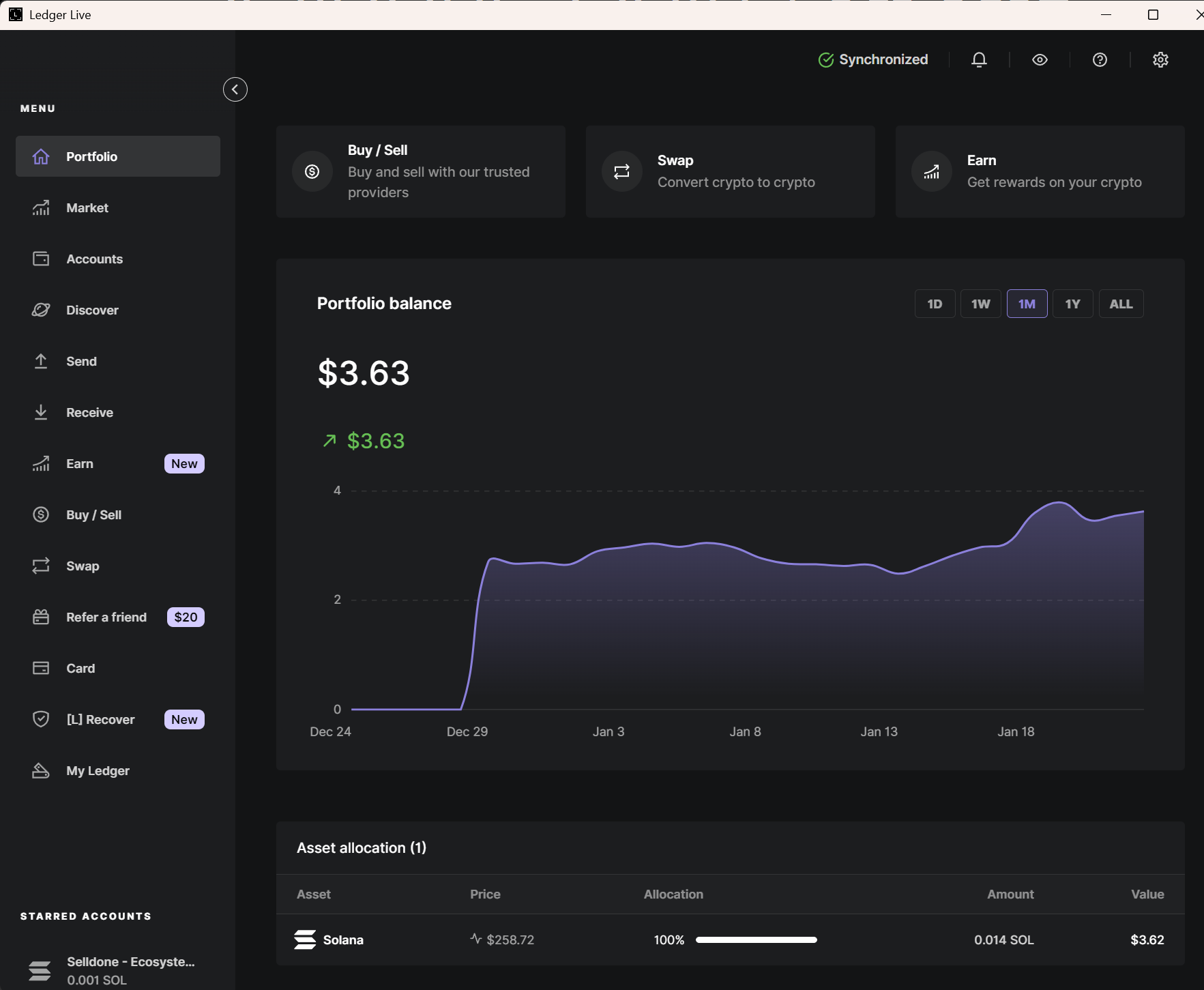
If you’re serious about security or holding larger amounts, consider a hardware wallet such as Ledger. While you have to purchase the device and spend time setting it up, hardware wallets are often considered the gold standard for crypto protection. You can then connect your Ledger to a Solana software wallet like Solflare for easy access to your SOL and tokens. Keep in mind that some Ledger features work best with certain browsers, so you may need to explore your options.
Comparing Software and Hardware Wallets
Below is a quick comparison to help you decide which wallet type might best suit your needs:
|
Wallet Type |
Security Level |
Cost |
Convenience |
Recommended For |
|
Software Wallet |
Moderate |
free |
Very user-friendly |
Most new crypto enthusiasts |
|
Hardware Wallet |
High |
Paid device |
Requires extra setup steps |
Those seeking extra protection |
Step 2 | Claim Your Free SLDN
Once you have your Solana wallet, you’ll get a public address (a long string of letters and numbers). Copy it and head over to selldone.com/token to grab free SLDN through a fun card-flipping experience.
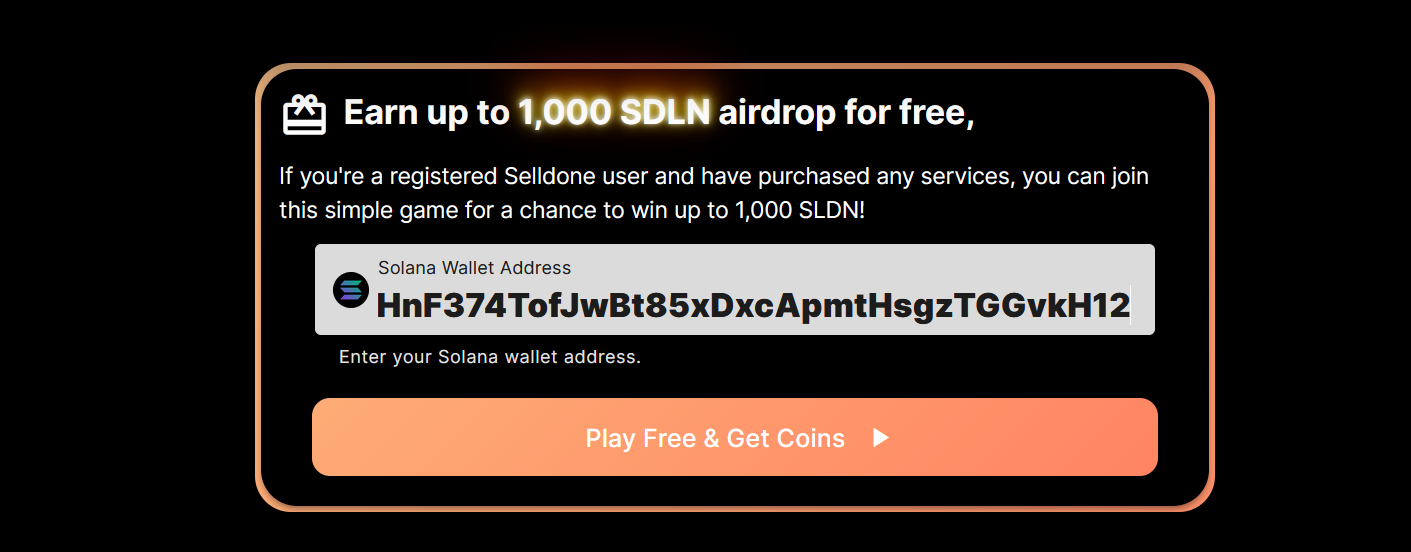
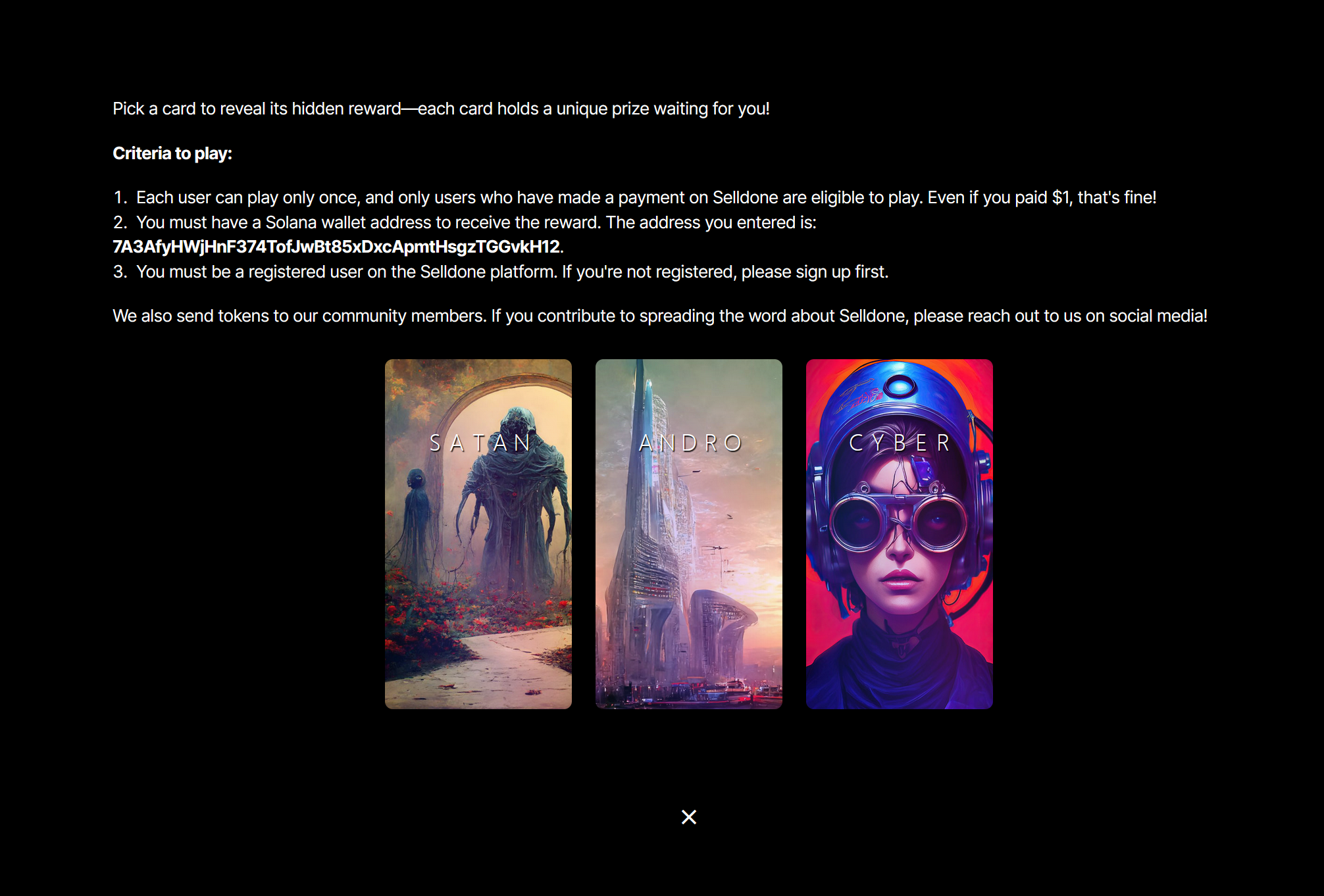
Pick a card to reveal a hidden reward—each holds a unique amount of free SLDN.
Eligibility:
- You can only play once, and you must have made at least one payment on Selldone to qualify (even if it’s just $1).
- You must enter your Solana wallet address correctly.
- You need to be a registered user on the Selldone platform.
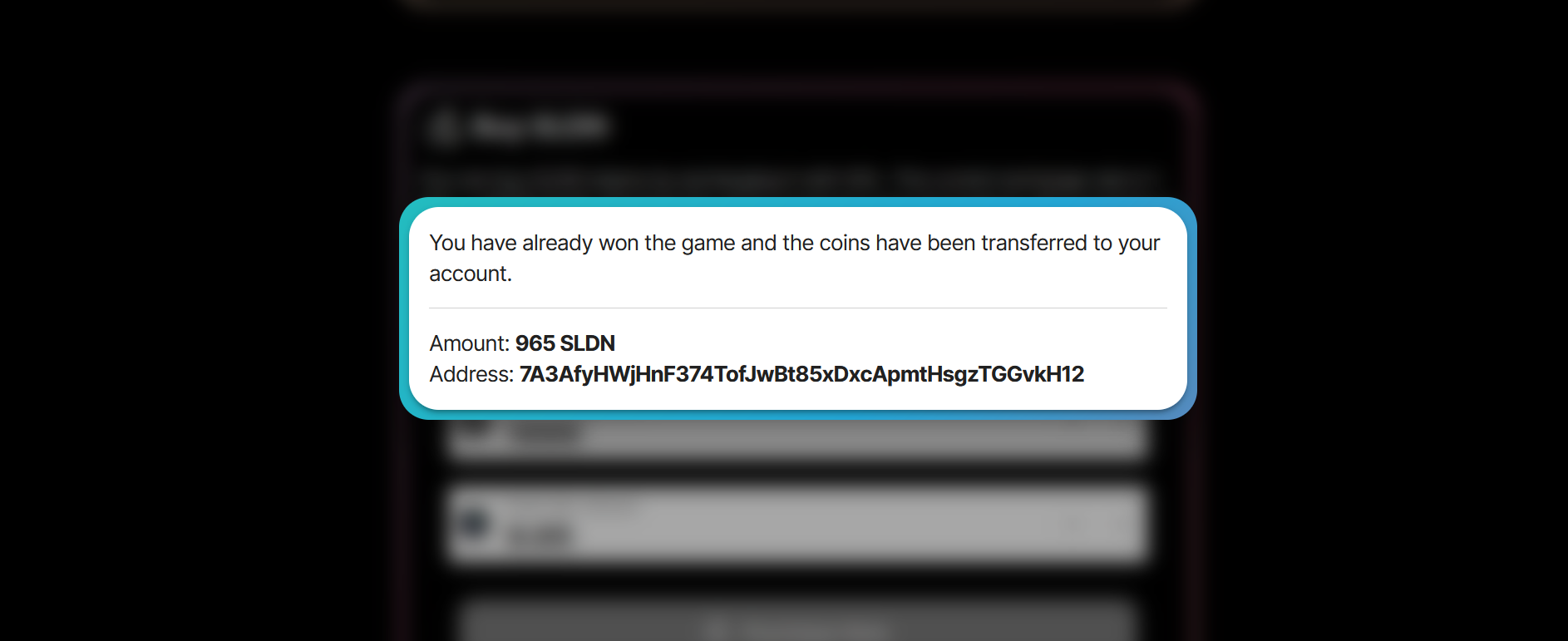
After selecting your card, you’ll see a success message. I will then send your tokens to your wallet—completely free!
Help Spread the Word
If you’re an avid community builder or social media influencer, reach out to me on Selldone channels to earn additional tokens for your efforts in promoting Selldone!
Step 3 | Buy More SLDN (If You Want Extra)
If you’re looking to expand your holdings, you can also purchase SLDN directly. The price is set by a special algorithm to avoid large price discrepancies between Selldone and various decentralized exchanges.
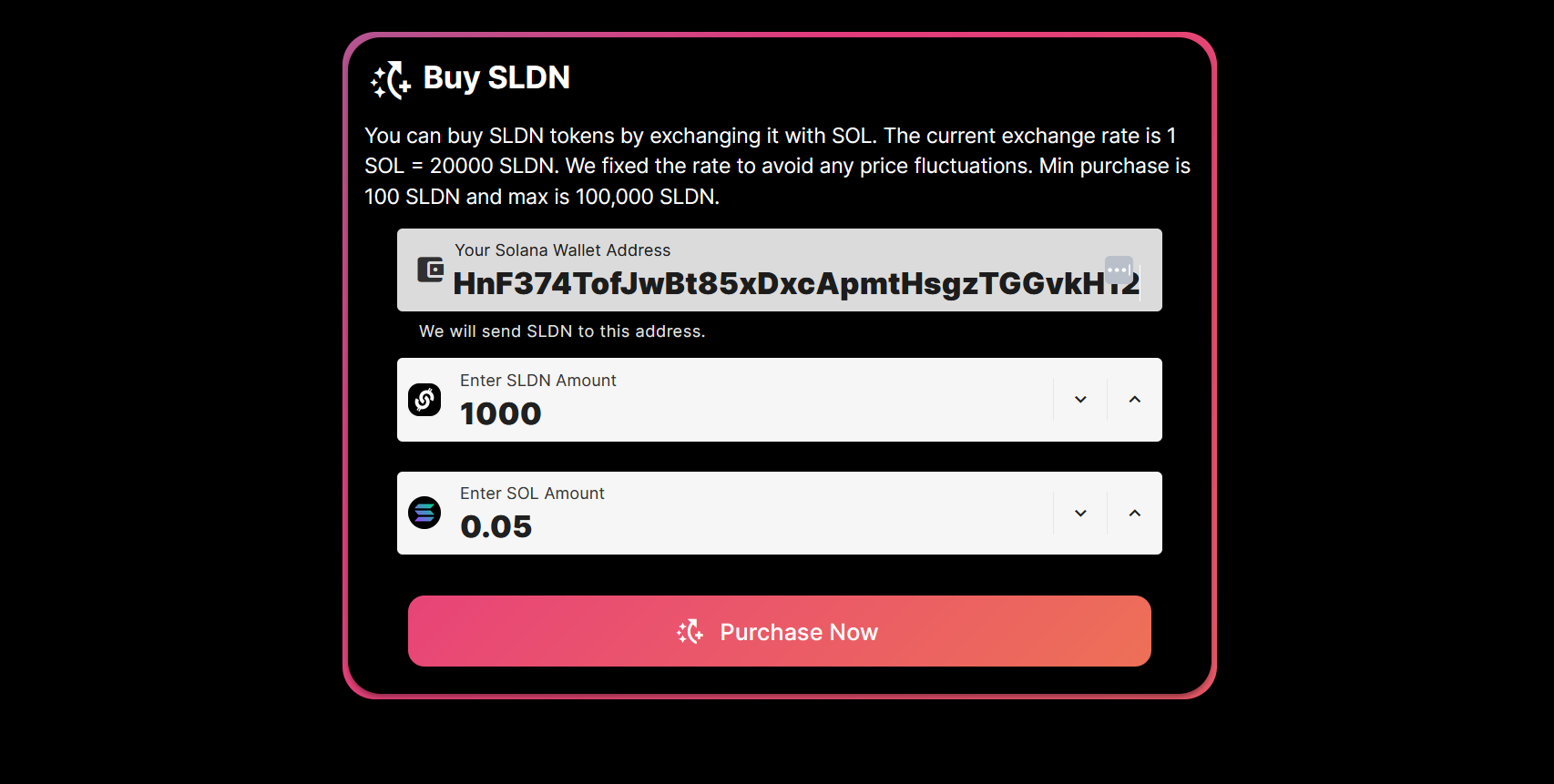
- Go to the SLDN Purchase Section: On selldone.com/token, you’ll find a section for buying SLDN.
- Enter Your Solana Wallet Address and the Amount: Decide how many tokens you’d like to buy. A total purchase cap of 100,000 SLDN applies to each user (⚡change over time).
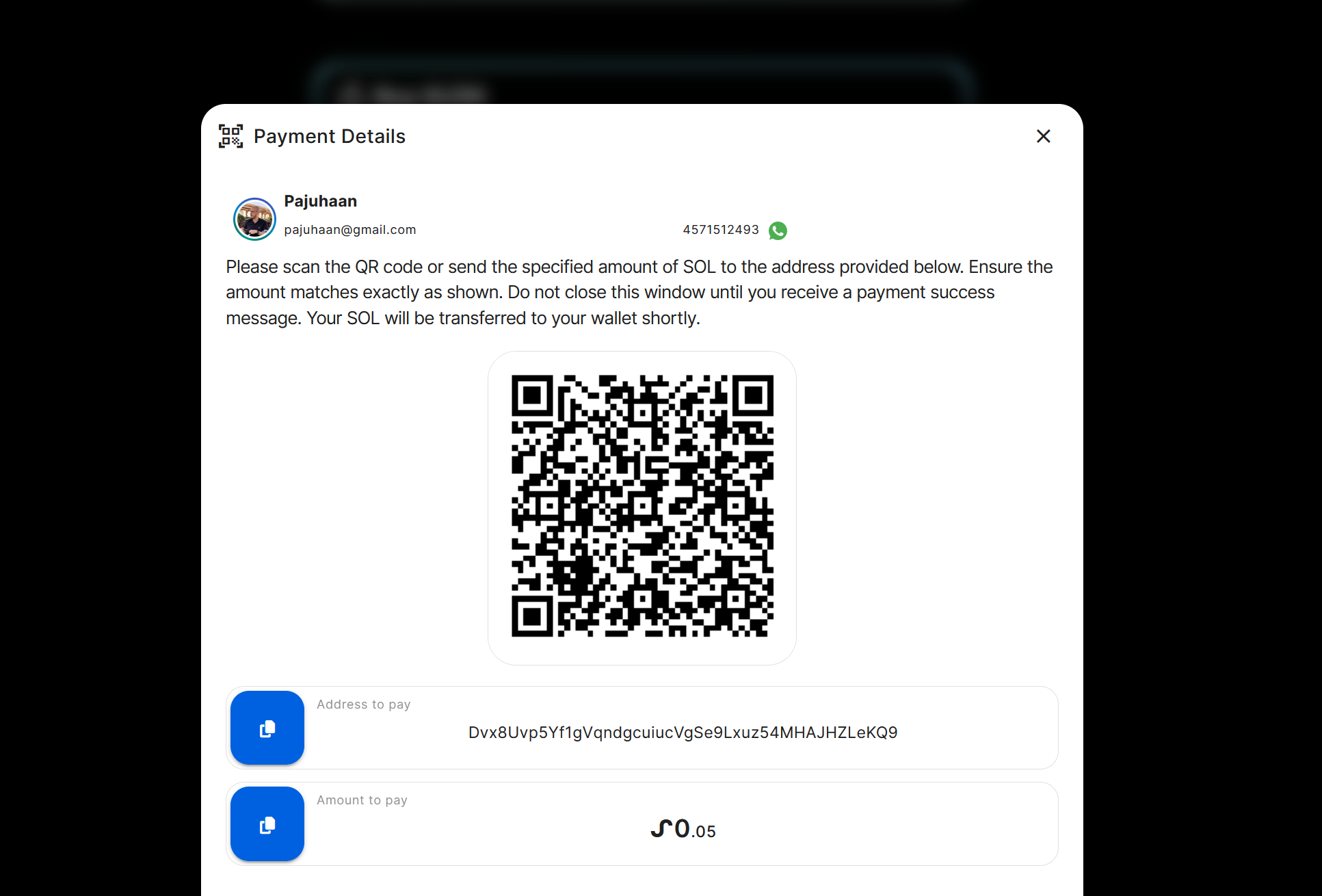
- Scan the QR Code or Transfer SOL Directly: A unique QR code will appear. If you’re using a mobile Solana wallet app, simply scan the QR code to pay. Alternatively, you can manually transfer the exact amount of SOL to the provided payment address.
- Approve and Wait for Confirmation: After your payment is detected (usually within 60 seconds), you’ll get a success message. Your purchased SLDN tokens will be sent to your Solana wallet within 24 hours.
There is a lifetime cap of 100,000 SLDN (⚡change over time) total purchase per user, ensuring a fair distribution of the token. Once your payment is detected (which can take up to a minute), you’ll see a success message. I will then transfer your newly bought SLDN to your wallet within 24 hours.
Quick Reference Table
Below is a quick comparison of the different ways to get SLDN:
|
Method |
Steps Involved |
Cost |
Waiting Time |
|
Free Airdrop |
1) Create Wallet |
No Direct Cost |
Up to 24 hours for token transfer |
|
Purchase |
1) Enter Wallet Address |
Cost of SOL (up to 2.5 SOL) |
Up to 24 hours for token transfer |
Disclaimer
This article is for informational purposes only and does not constitute financial or legal advice. Always do your own research and consider consulting professionals before making significant financial decisions.
 Add Comment
Make Your Business Online By The Best No—Code & No—Plugin Solution In The Market.
30 Day Money-Back Guarantee
Create Your E-commerce Store Start now — it's freeSay goodbye to your low online sales rate!