
Custom Layout Full storefront. New design.
Clone Selldone's complete storefront, preserve every ready commerce flow, publish it as a Layout, then activate it in Shop Settings. No separate hosting required.

Selldone V3.0 · Genesis AI-native commerce OS
Connect ChatGPT, Claude, Codex, or any MCP agent to Selldone. Your AI shapes the storefront, launches campaigns, manages products and customers, and keeps approved operations moving through one connected commerce engine.


 Any MCP agent
COPY A STARTING PROMPT
ChatGPT
Claude
Codex
✦ Any MCP agent
Clone Selldone's complete storefront, preserve every ready commerce flow, publish it as a Layout, then activate it in Shop Settings. No separate hosting required.
Build only the storefront, backoffice, vendor, or booking experience you need. Selldone supplies APIs, data, checkout, and business operations.

Act as my Selldone build agent in ChatGPT Codex, Claude Code, or another MCP client. Open Selldone, pause for me to complete sign-in, connect the intended shop through Selldone MCP with the minimum scopes, and inspect its brand and current storefront before writing. Clone https://github.com/selldone/storefront, keep its full existing commerce functionality, and customize the Vue Layout to my requirements without breaking catalog, search, product, cart, checkout, account, or localization flows. Build and test it, show me a review, then—with my approval—publish it through the Selldone Layout workflow; do not set up separate GitHub or Cloudflare hosting for this path. Finally, help me select and activate the published Layout in Shop Settings.
Act as my Selldone Genesis build agent in ChatGPT Codex, Claude Code, or another MCP client. Open Selldone, pause for my sign-in, connect the intended shop through MCP with minimum scopes, and inspect the business before writing. Start from https://github.com/pajuhaan/selldone-custom-storefront-backoffice-1 and build the responsive, accessible custom storefront and customer journey I describe; Selldone remains the backend, database, commerce API, checkout, and operations layer, while you implement the required frontend functionality without exposing secrets. After review and my approval, create or confirm my destination GitHub repository, push the approved code, connect it to Cloudflare Workers Builds with Static Assets, configure the custom domain and exact HTTPS /callback/ OAuth URL, and verify the live flows.
Act as my Selldone Genesis build agent in ChatGPT Codex, Claude Code, or another MCP client. Pause for my Selldone sign-in, connect the intended shop through MCP with minimum role-aware scopes, and audit its workflows before writing. Use https://github.com/pajuhaan/selldone-custom-storefront-backoffice-1 as the base and build a responsive custom backoffice for the operator tasks I specify—such as products, orders, customers, marketing, finance, and reports—using Selldone as the API, database, authentication, and commerce engine; keep credentials out of the client and gate sensitive actions. After my review and approval, push to my GitHub repository, connect Cloudflare Workers Builds with Static Assets, configure the domain and exact /callback/ URL, and verify permissions and production flows.
Act as my Selldone Genesis build agent in ChatGPT Codex, Claude Code, or another MCP client. Pause for my sign-in, connect the intended Selldone shop through MCP with minimum scopes, and inspect its marketplace model before writing. Start from https://github.com/pajuhaan/selldone-custom-storefront-backoffice-1 and build the custom vendor portal and multi-vendor experience I describe, including only the required seller onboarding, listings, inventory, commissions, orders, fulfillment, and customer marketplace journeys; use Selldone APIs and data as the backend and enforce vendor/operator role boundaries. After review and approval, push to my GitHub, connect Cloudflare Workers Builds with Static Assets, attach the domain and exact /callback/ URL, and test each role end to end.
Act as my Selldone Genesis build agent in ChatGPT Codex, Claude Code, or another MCP client. Pause for my sign-in, connect the intended shop through MCP with minimum scopes, and inspect the service model before writing. Start from https://github.com/pajuhaan/selldone-custom-storefront-backoffice-1 and build the custom services, listings, or booking experience I describe—such as availability, search, maps, reservations, quotes, checkout, customer accounts, and any needed vendor or operator surface—while Selldone provides the backend, database, APIs, payments, and operations. After review and my approval, push to my GitHub, connect Cloudflare Workers Builds with Static Assets, configure the domain and exact /callback/ URL, and verify the complete journey.
✓ You complete sign-in. MCP access stays shop-scoped, and sensitive writes, pushes, OAuth, domains, and production changes wait for approval.
THE CONNECTED AI OPERATOR
Genesis gives your assistant the context, tools, and approval gates to move from a customer journey to a completed order—without fragmenting the experience.
ChatGPT
Claude
✦ Any MCP agent
THREE WAYS TO BUILD WITH AI
Start with a ready storefront, open the Layout source, or let Genesis shape a fully custom operating experience. Every path stays connected to Selldone and your AI agent.
Launch campaigns and content pages with a visual builder. Ask your AI to compose, refine, and publish.
 AI assisted
MCP connected
AI assisted
MCP connected
Connect ChatGPT or Claude to the open storefront source. Design, code, test, and deploy with your AI.
 AI coding
MCP connected
AI coding
MCP connected
Build a storefront, backoffice, vendor portal, and customer journey around the business itself.
Explore Genesis Skills AI orchestrated
MCP connected
AI orchestrated
MCP connected
01 / Samples
The storefront follows the business—not a universal theme. Each sample combines a real commerce foundation with its own navigation, content rhythm, discovery model, and operator needs.
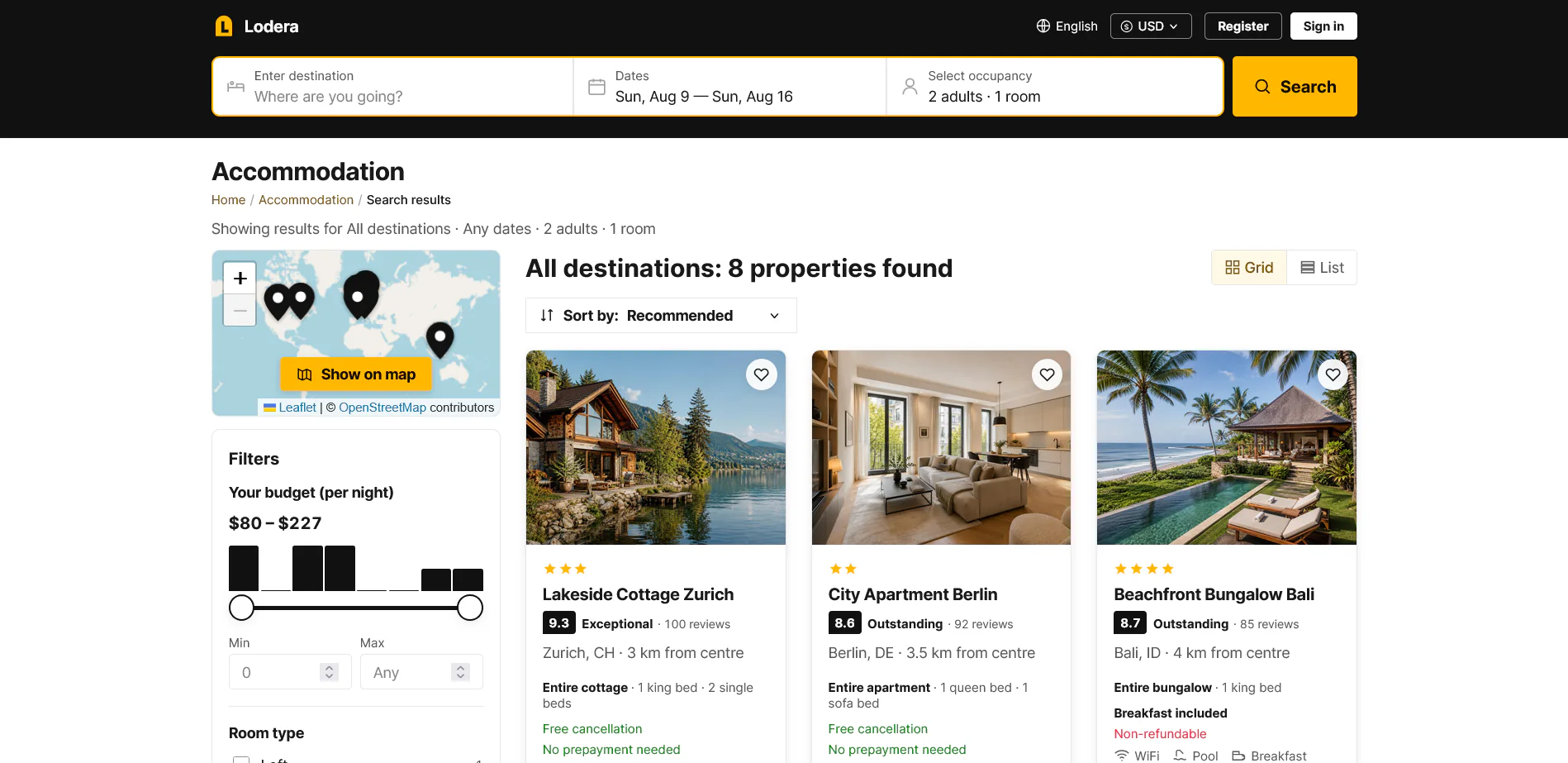 View business template →
Accommodation and booking
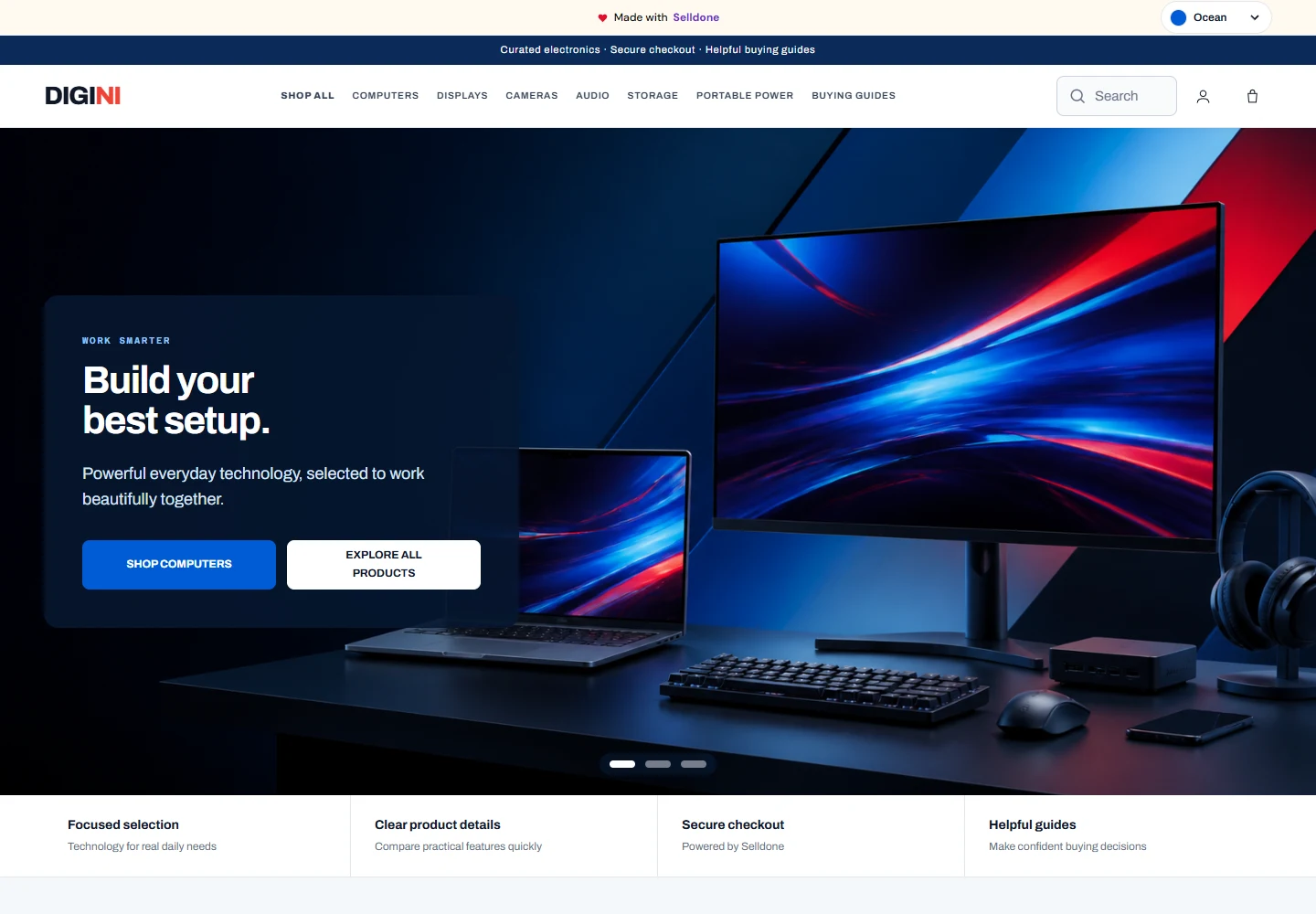 View business template →
Consumer electronics ecommerce
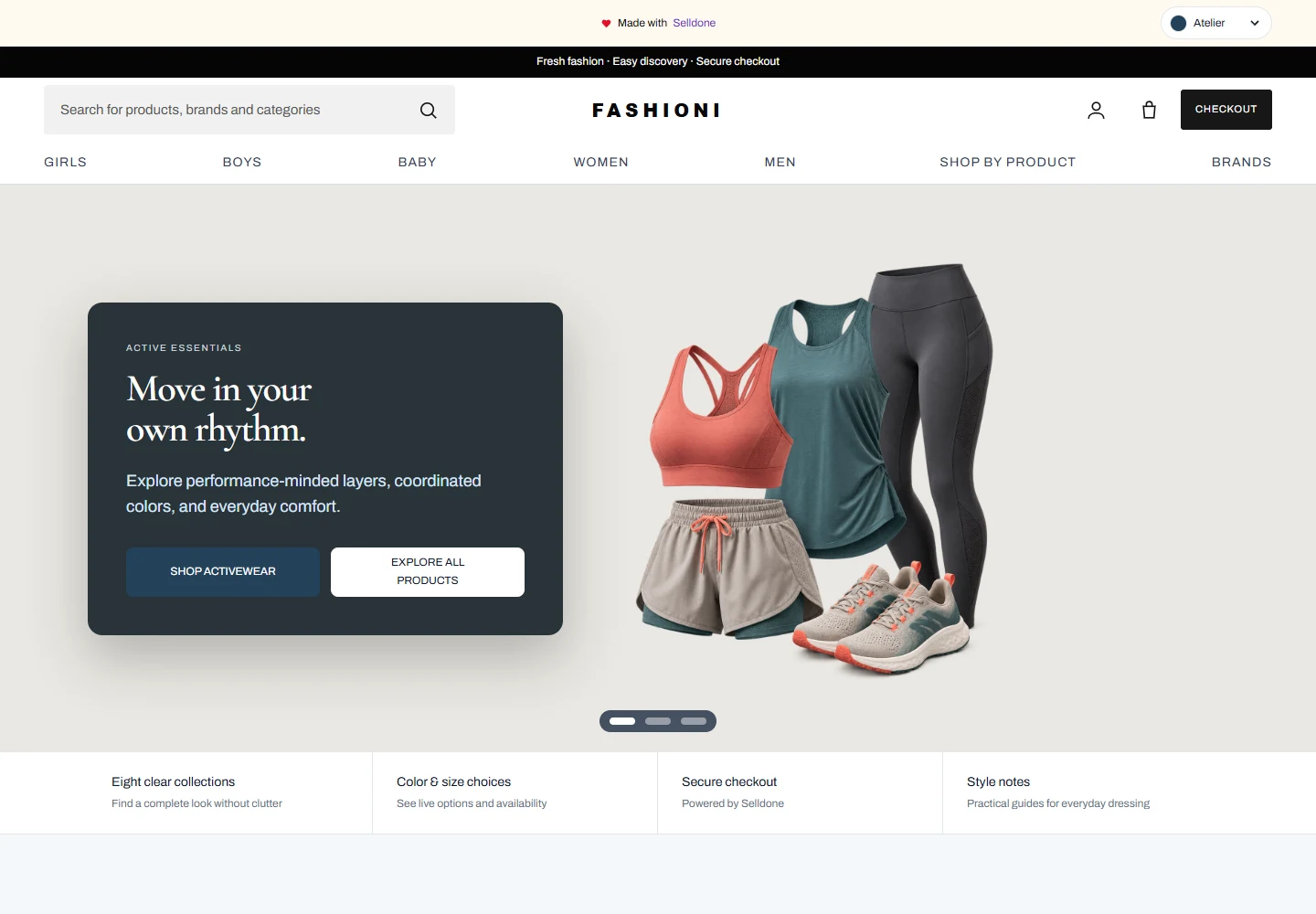 View business template →
Fashion ecommerce
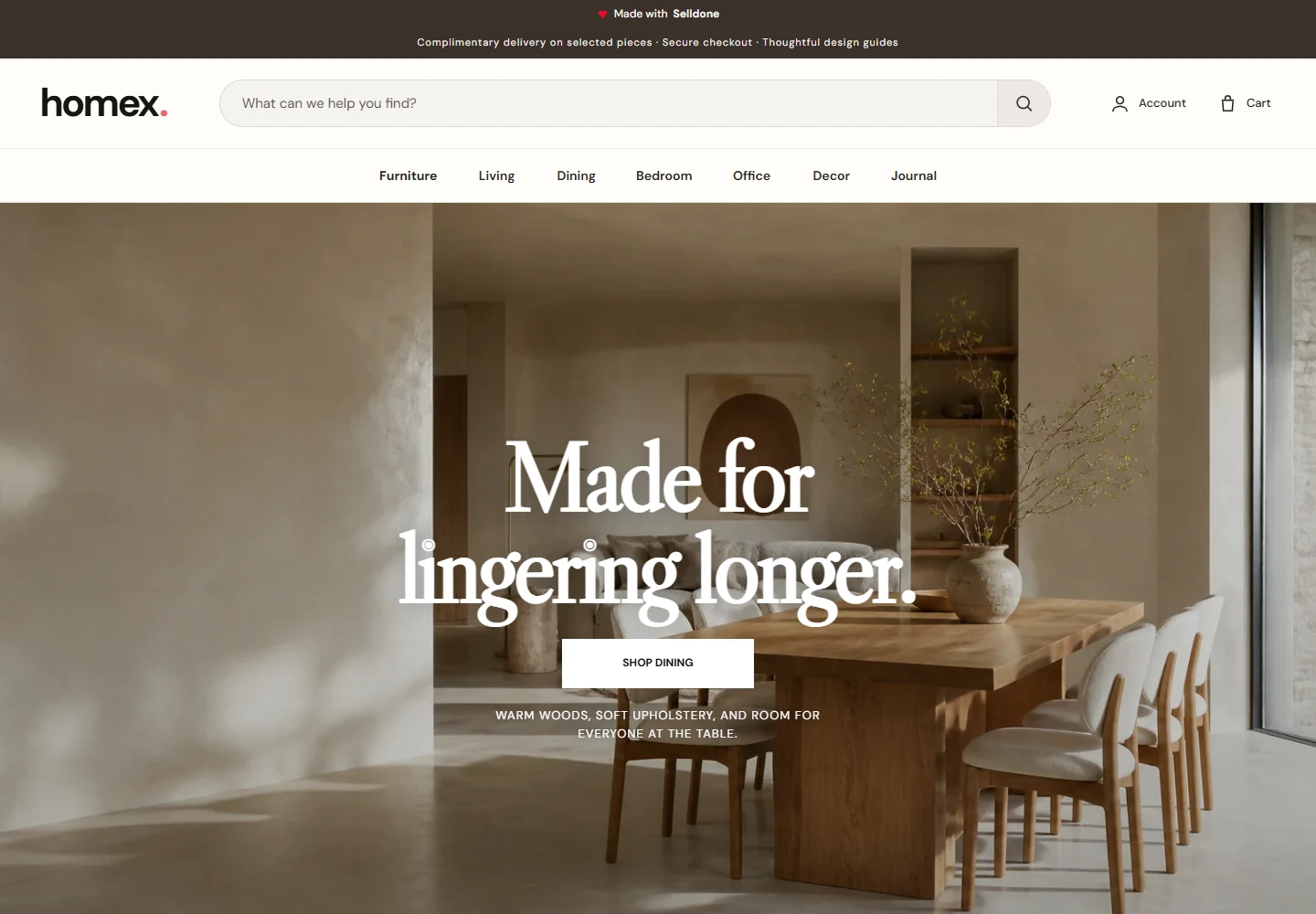 View business template →
Furniture and home ecommerce
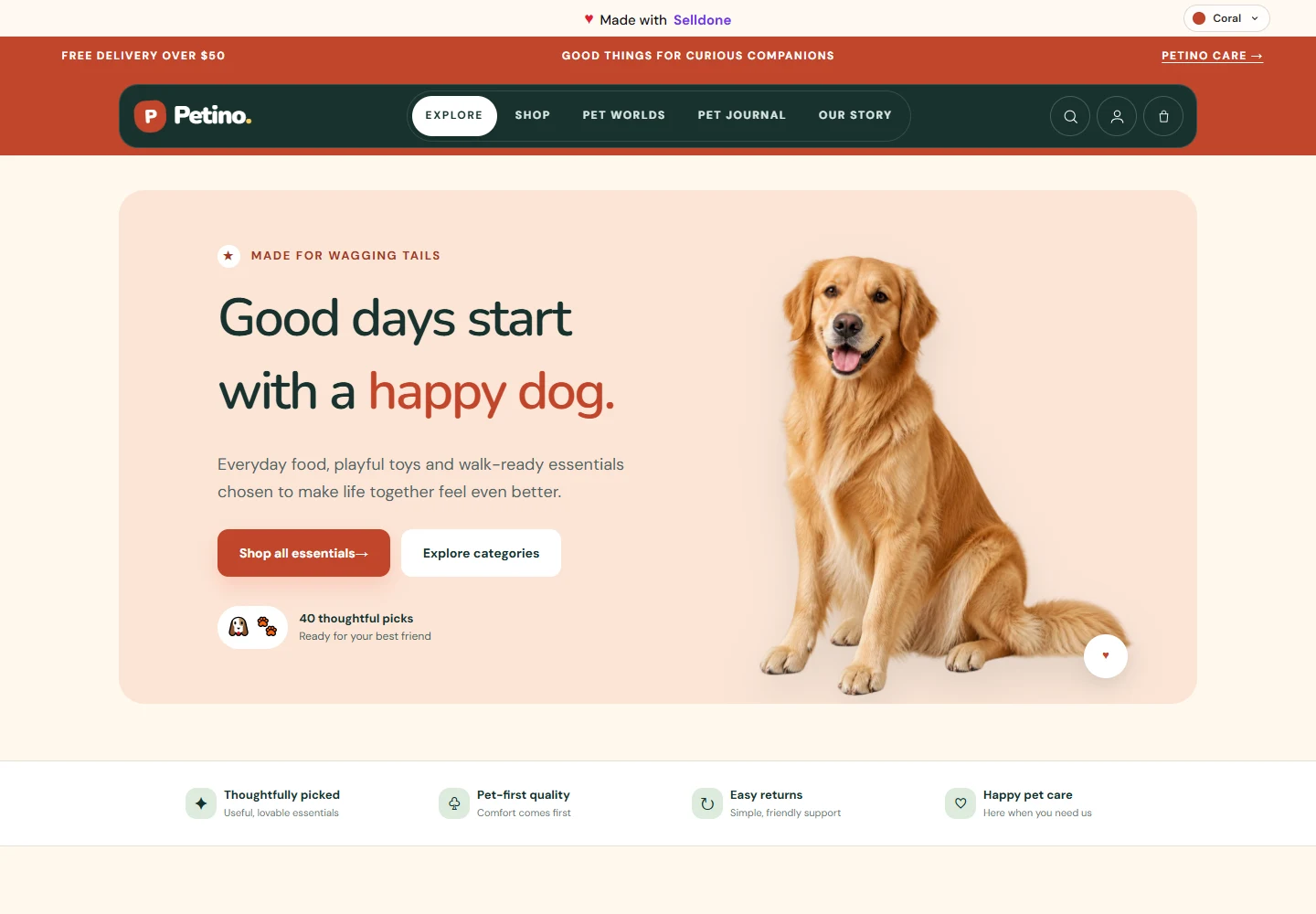 View business template →
Pet supplies ecommerce
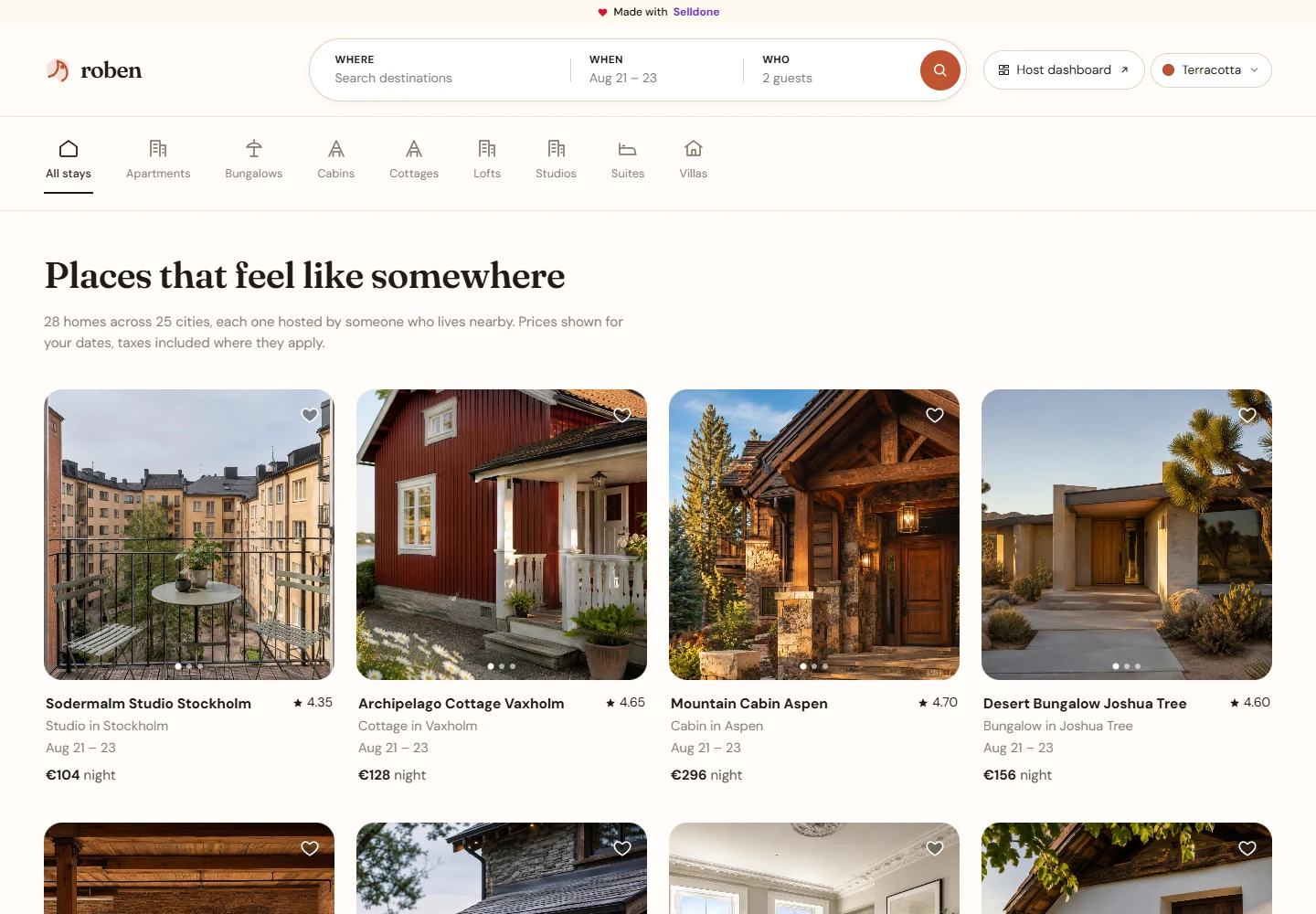 View business template →
Host-led stays and accommodation
 View business template →
Luxury watch ecommerce
Every published template includes a live reference, its own AI Skill, GitHub guidance, and a path to the customer's domain.
Download the Template Publisher Skill02 / Connect MCP
Bind one intended shop, approve only the scopes the work needs, and keep credentials inside the authorized connection—not in prompts, HTML, JavaScript, or source control.
Shop-scoped and revocable
Plans, designs, codes, and reviews the customer experience.
Products, customers, inventory, checkout, orders, and operations.
03 / Choose a Skill
AI creates the experience; Selldone provides the commerce functionality. A focused Skill tells the agent which job it is doing, what it must preserve, and where it must stop for review.
Plan, build, test, and deploy a complete brand-specific customer experience on the official static starter.
Prepare the business foundations: domain, email, shop copy, policies, categories, and a safe starter catalog.
Use the Genesis Custom Storefront skill. Inspect my connected Selldone shop and the official starter. Present a route map, feature plan, data mapping, visual direction, risks, and acceptance checklist. Do not change files yet.
Publishing another business template? Use the shared contract so its landing, Skill, links, and Cloudflare guide stay consistent.
04 / GitHub → Cloudflare
Keep the public reference separate from the customer's repository, verify the exact static output, then let Cloudflare rebuild automatically from the confirmed production branch.
Owned destination repository with the public reference kept as upstream.
main · protectedEvery approved push produces and publishes the verified static output.
dist/ · readyThe storefront appears on the connected domain with its exact OAuth callback.
HTTPS · liveInspect status, remotes, branch, and divergence. Push only to the destination the customer approved.
Open the reference starter ↗Test the same package Cloudflare will serve, including storefront, dashboard, authentication, cart, and checkout.
npm run build:static
npm run preview:staticUse Workers Builds, publish dist/, attach the domain, and register the exact HTTPS /callback/ URL.
Selldone Genesis × MCP