
Platform
Product Timeline: See What Changed and When
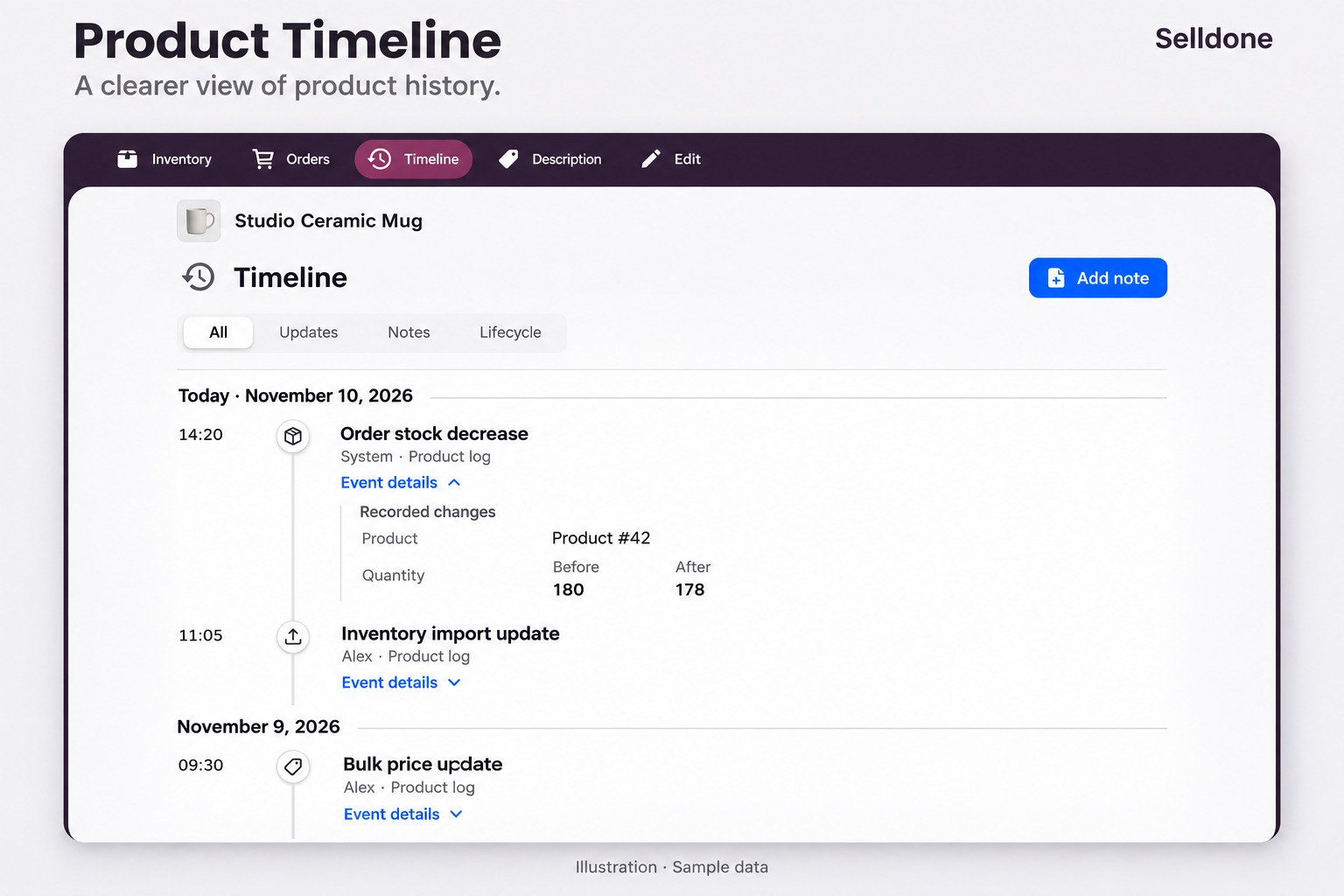
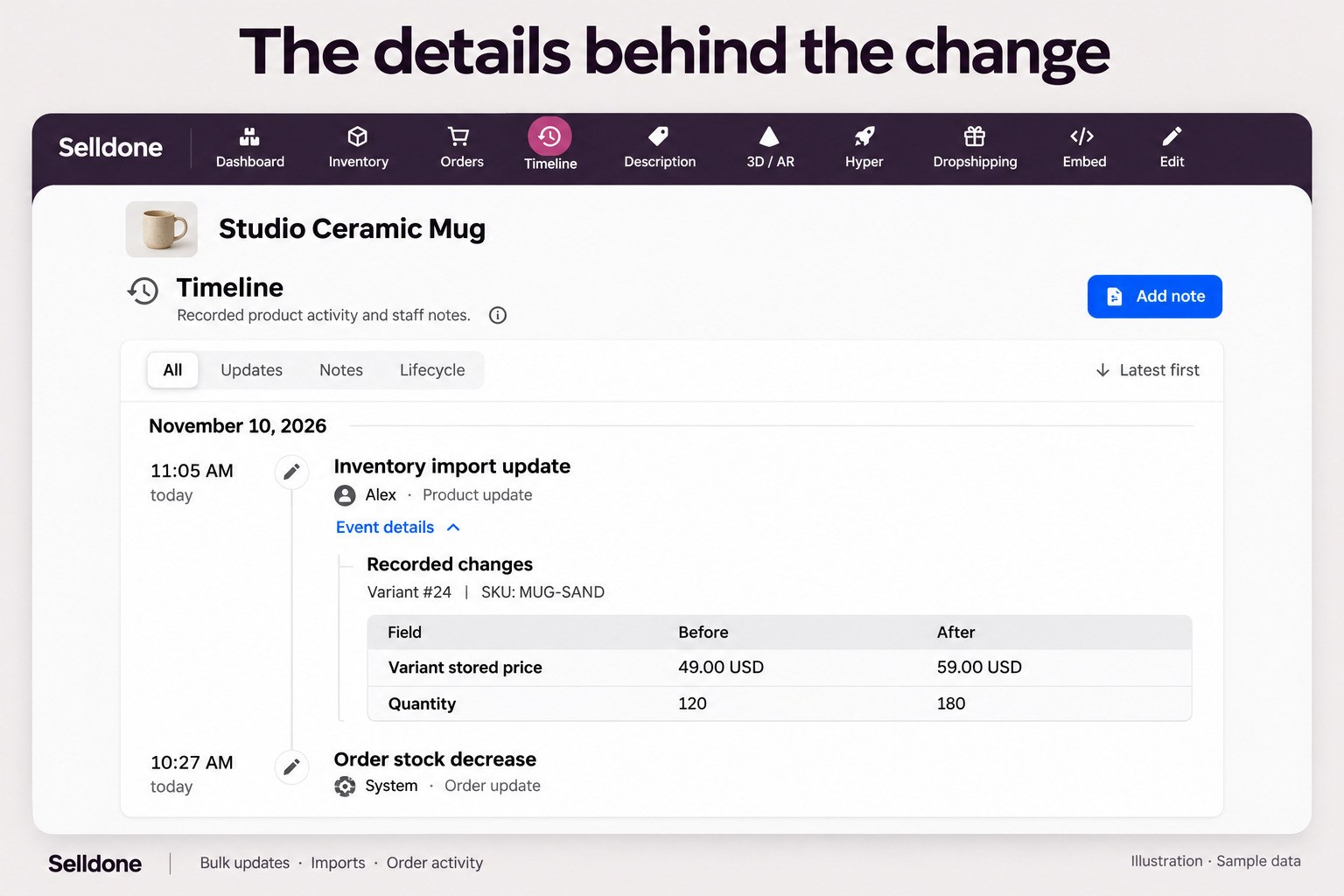
Product Timeline brings recorded product activity and staff notes into a single chronological view. Open the Timeline tab in a product workspace, browse events grouped by day, and filter updates, notes or lifecycle events. Expand Event details to inspect the recorded information, or add a note for your team. New price and quantity changes can show their actual Before and After values, including currency and the related variant’s recorded identity when available. Capture covers individual edits, bulk price updates in all four modes, inventory imports, CSV/XLS product imports, and automatic order stock decreases and cancellation reversals. Product totals stay separate from variant quantities. Operation labels distinguish bulk updates, imports and order activity. Automatic order adjustments appear as System. History respects your access and each source’s retention; older entries display only the details originally recorded, without reconstructing missing previous values.
Illustrations use sample data. Historical logs are shown as recorded and are not backfilled.